
Artwork guide
Print-ready artwork, made simple.
Eight rules and a free template for every size, including 29 folder die lines. Get these right and your job prints first time. We check every file before it prints, but correct spelling and details are up to you, so proof carefully.
The rules
What a print-ready file needs.
- Save your artwork as a PDF at the finished size of the product, plus bleed.
- Bleed
- Run background colours and photos past the edge: 2 mm on most products, 5 mm on booklets and folders, 150 mm extra at the bottom of pull-up banners. Envelopes have no bleed.
- Safe area
- Keep text and logos 3 mm in from the edge (5 mm on folders, 10 mm on booklets and on the flap edge of envelopes).
- Colour
- CMYK or greyscale. Convert RGB photos and spot colours to CMYK before you export. NCR books print in black.
- Resolution
- Photos and images at 300 dpi at the finished size. 150 dpi is fine for posters and banners.
- Fonts
- Embed all fonts, or convert text to outlines, so it prints exactly as you see it.
- Big black areas
- For large solid black backgrounds use rich black (C30 M20 Y20 K100). Keep small text in plain 100% black.
- Clean file
- Remove our template guides, crop marks, keylines and comments, and flatten transparency before you export.
Free templates
Download a template.
Each PDF is set to the right size with bleed. Red line: trim. Blue dashed line: safe area. Green line: fold.
Presentation folders
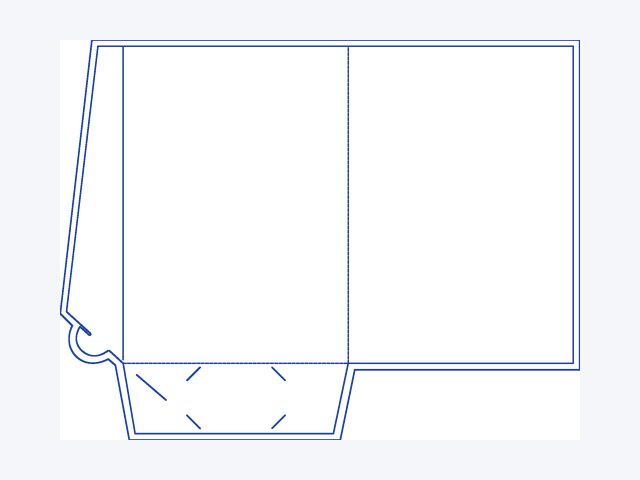 A4 standard, flat pocket220 x 310 mm, card slitsDownload PDF template
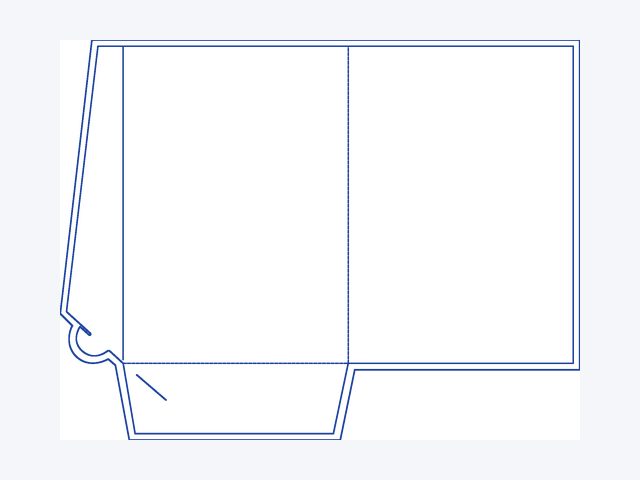 A4 standard, flat, no card slits220 x 310 mmDownload PDF template
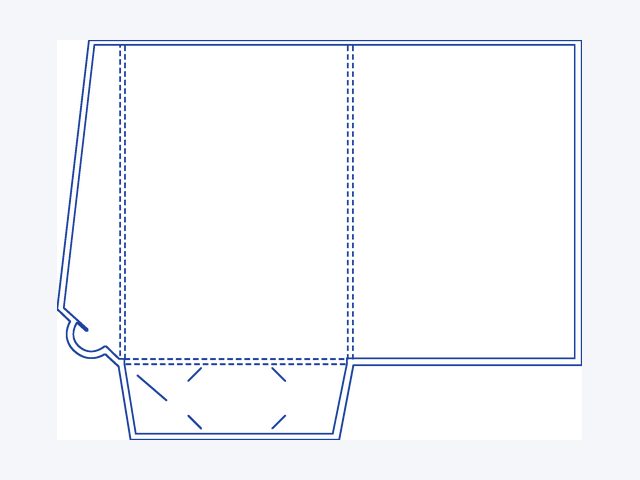 A4 standard, 5 mm expanding220 x 310 mm, card slitsDownload PDF template
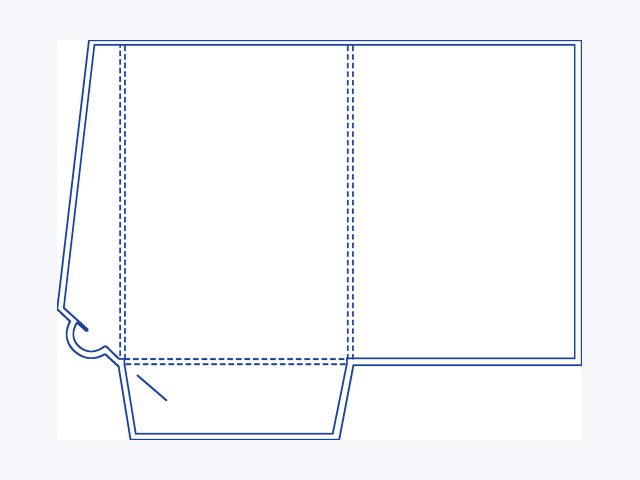 A4 standard, 5 mm, no card slits220 x 310 mmDownload PDF template
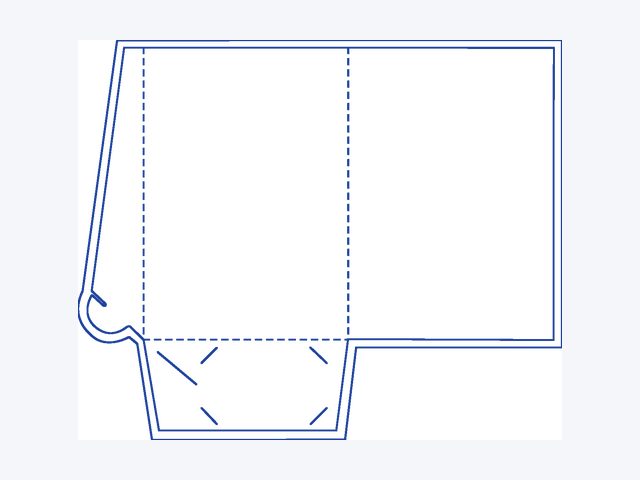 A5 standard, flat pocket155 x 220 mm, card slitsDownload PDF template
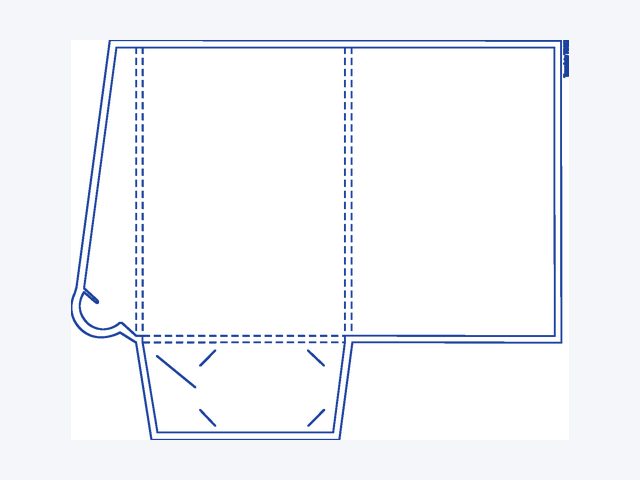 A5 standard, 5 mm expanding155 x 220 mm, card slitsDownload PDF template
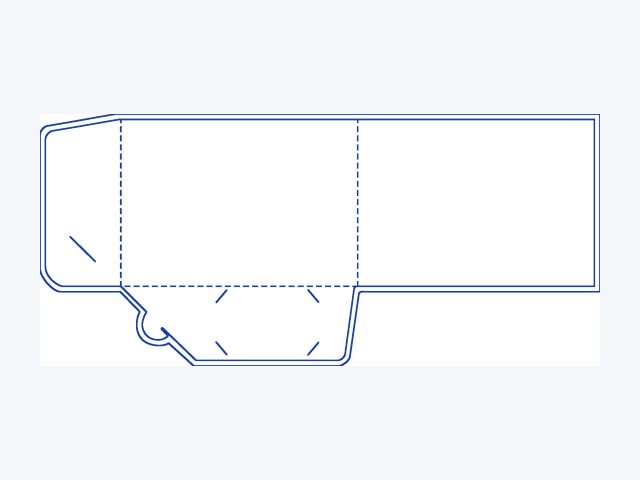 Style A, A5 landscape220 x 155 mm, flat pocketDownload PDF template
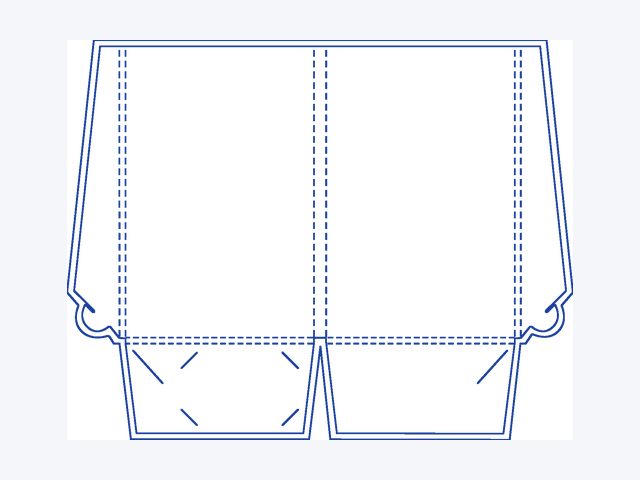 Style B, A5 portrait155 x 240 mm, 10 mm spineDownload PDF template
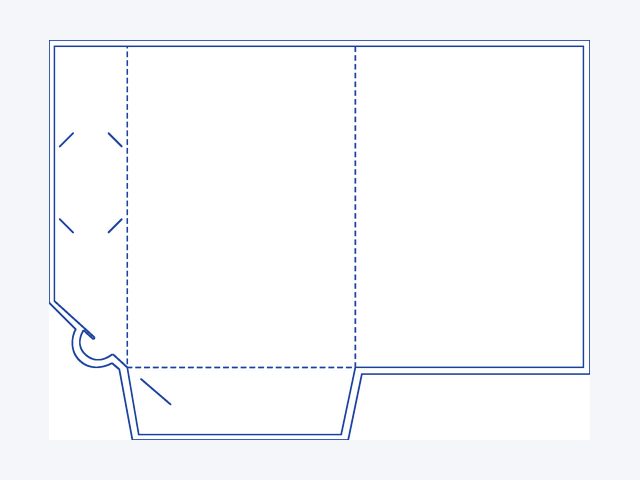 Style C220 x 310 mm, flat pocketDownload PDF template
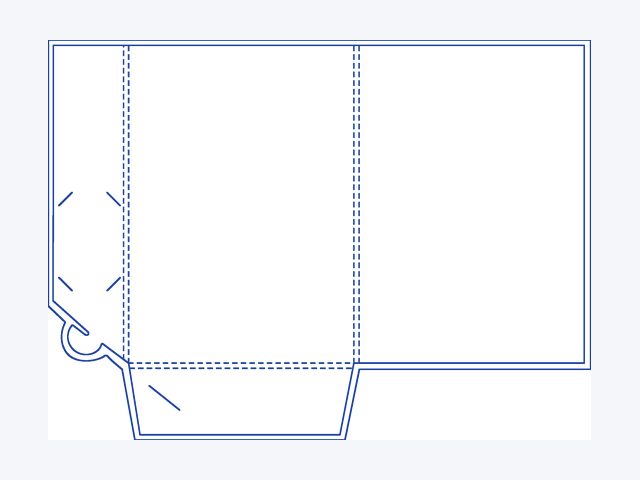 Style D220 x 310 mm, 5 mm expandingDownload PDF template
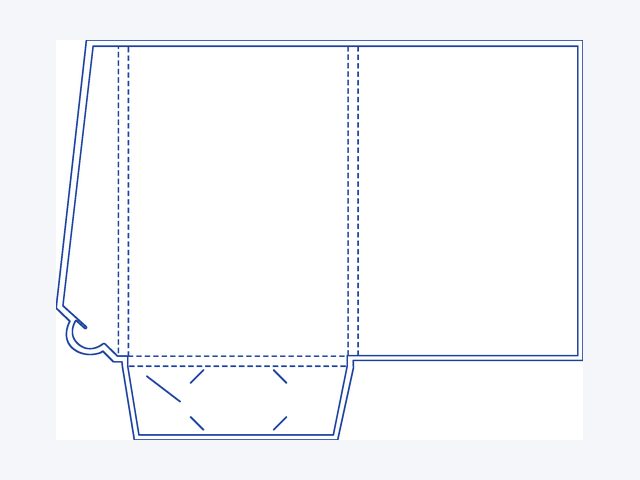 Style E220 x 310 mm, 10 mm expandingDownload PDF template
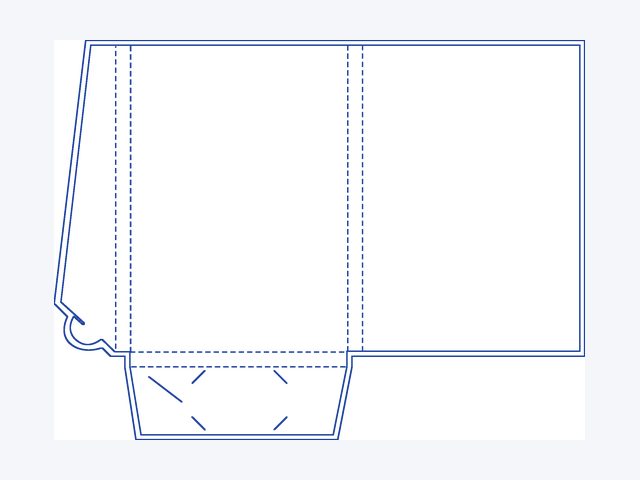 Style F220 x 310 mm, 15 mm expandingDownload PDF template
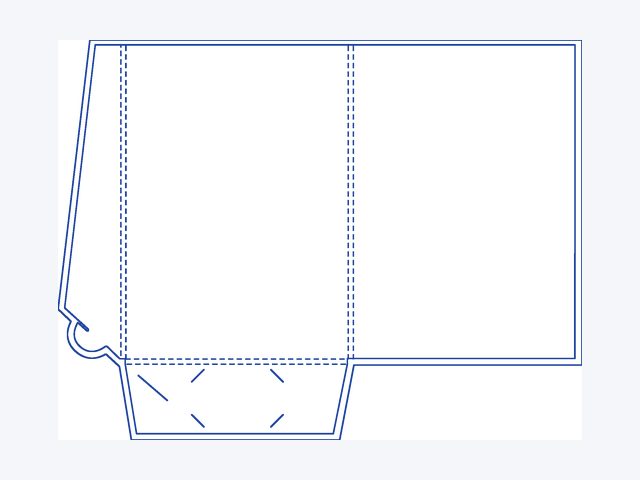 Style G220 x 310 mm, 5 mm, slimline card slitDownload PDF template
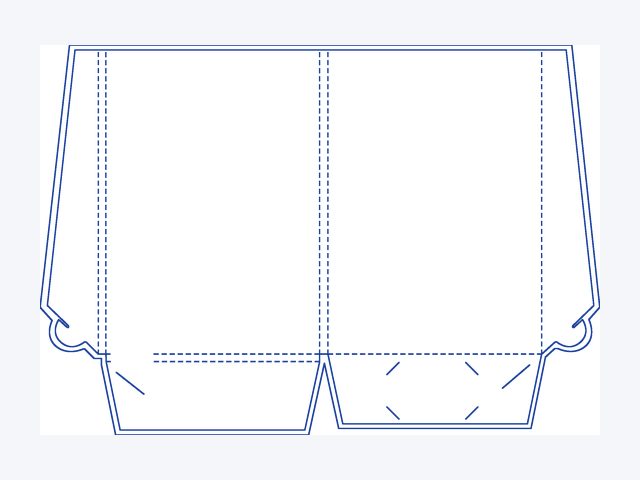 Style H225 x 320 mm, two pocketsDownload PDF template
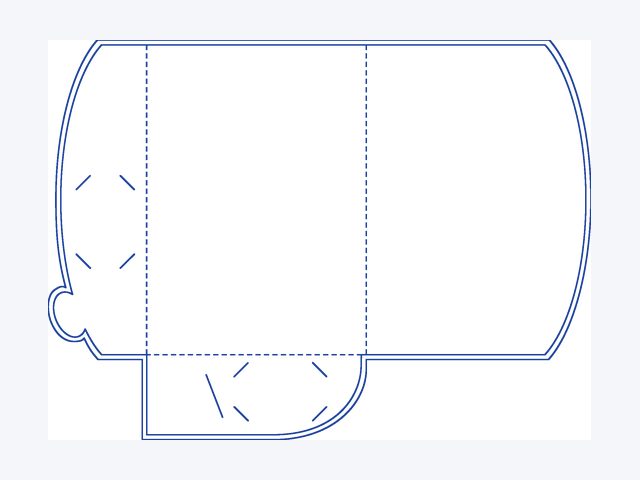 Style I220 x 310 mm, flat pocketDownload PDF template
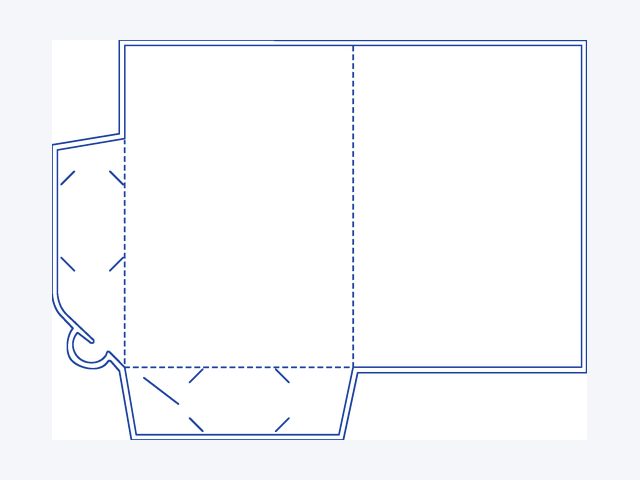 Style J220 x 310 mm, flat pocketDownload PDF template
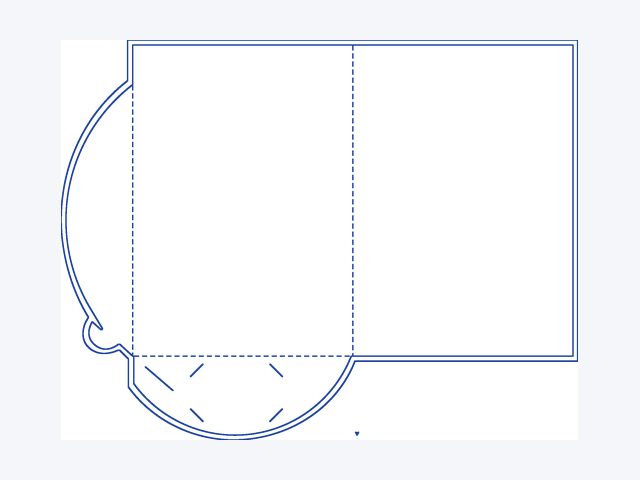 Style K230 x 325 mm, round flapDownload PDF template
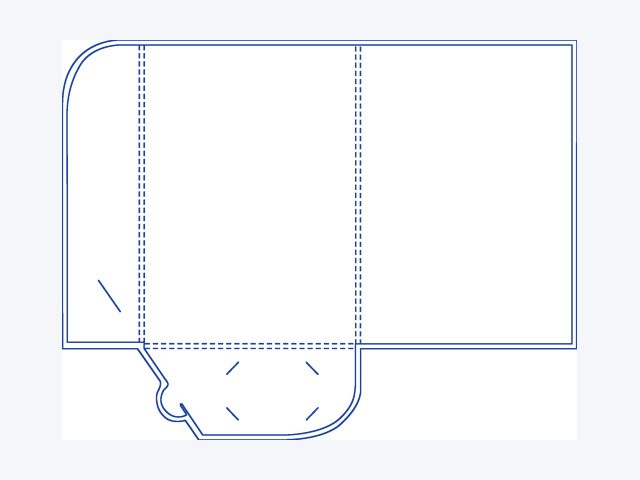 Style L220 x 310 mm, 5 mm expandingDownload PDF template
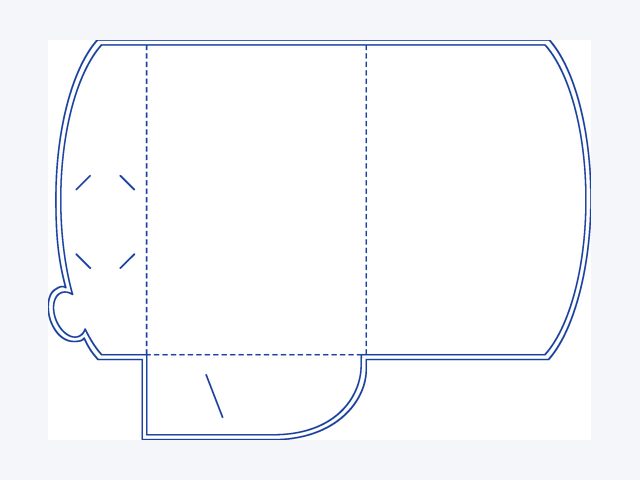 Style M220 x 310 mm, round flapsDownload PDF template
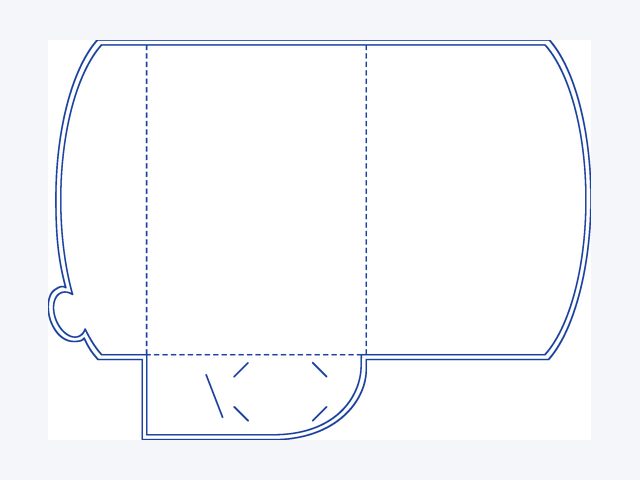 Style N220 x 310 mm, round flapsDownload PDF template
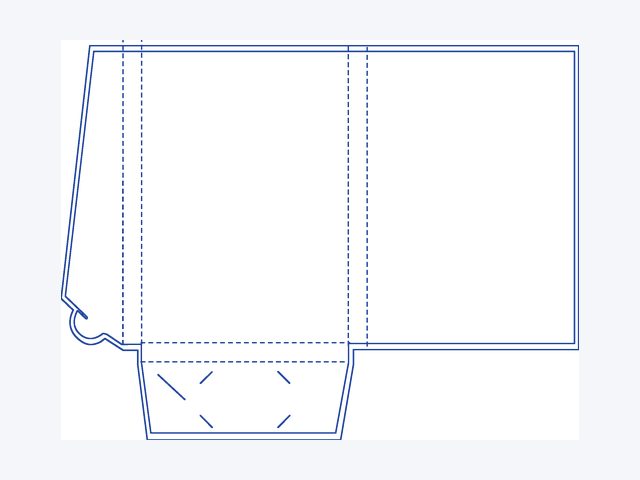 Style O220 x 310 mm, 20 mm expandingDownload PDF template
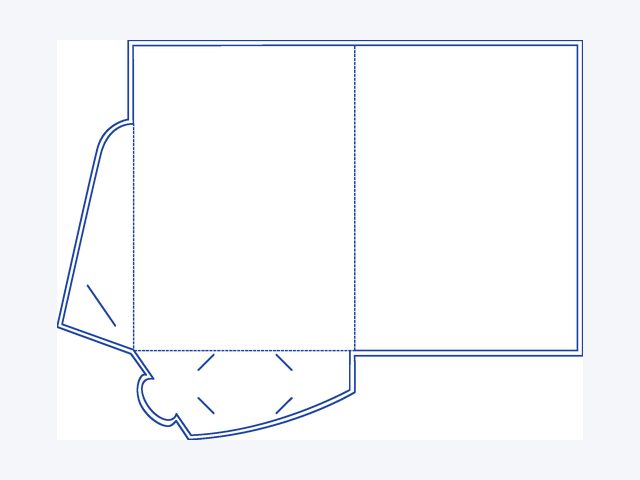 Style P226 x 310 mm, side flapDownload PDF template
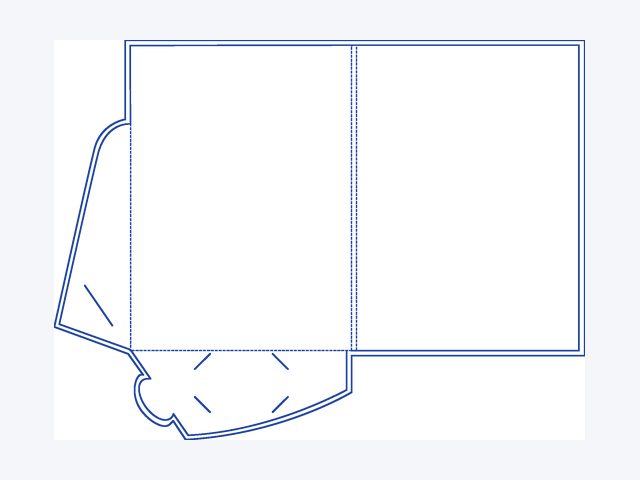 Style Q226 x 310 mm, side flap, 5 mm spineDownload PDF template
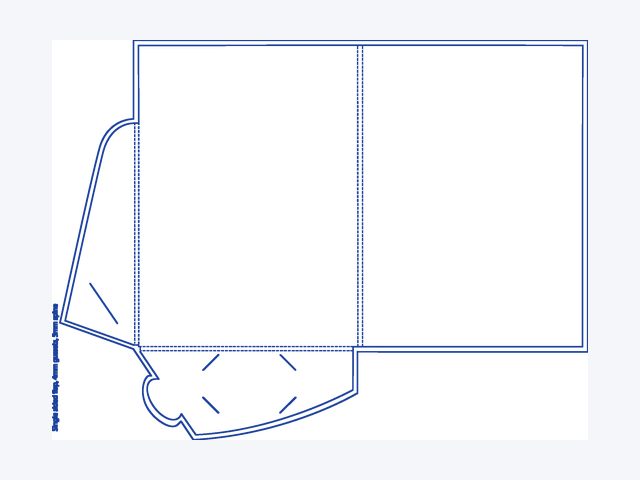 Style R226 x 310 mm, side flap, 4 mmDownload PDF template
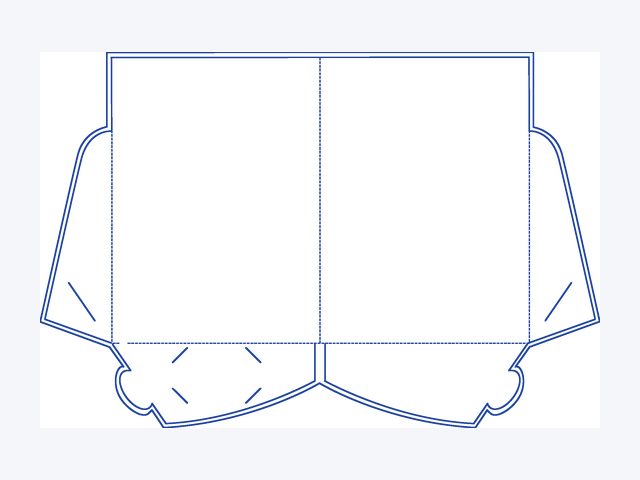 Style S226 x 310 mm, two side flapsDownload PDF template
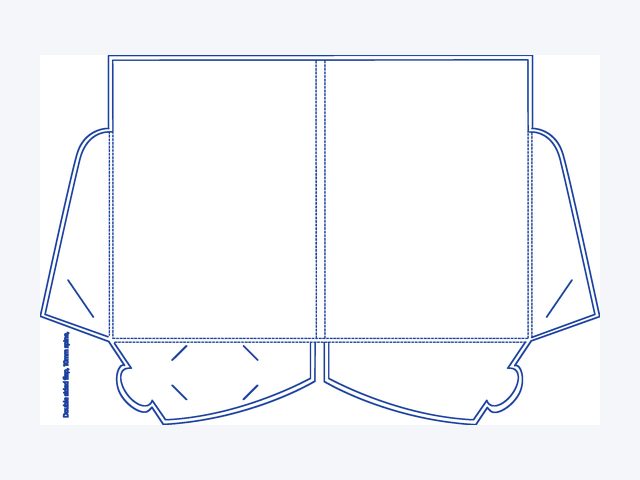 Style T226 x 310 mm, two flaps, 10 mm spineDownload PDF template
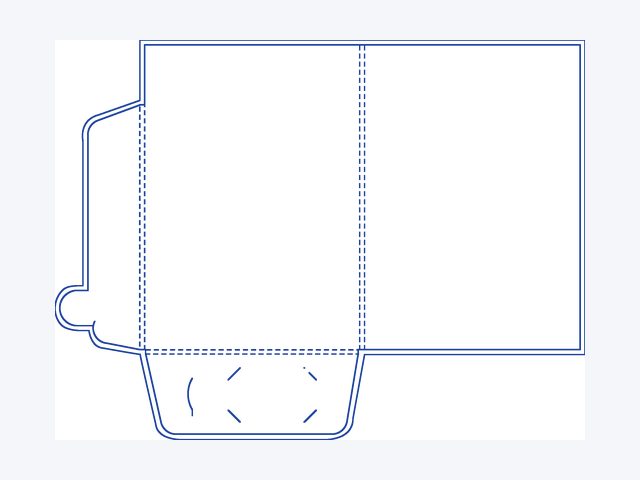 Style U225 x 319 mm, 5 mm expandingDownload PDF template
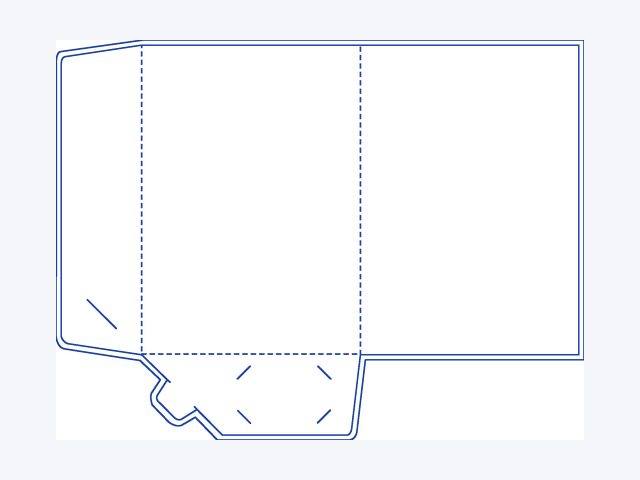 Style V220 x 310 mm, flat pocketDownload PDF template
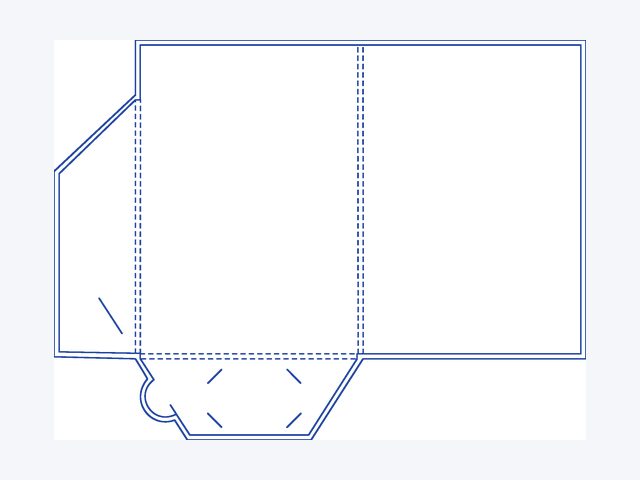 Style W220 x 312 mm, 5 mm expandingDownload PDF template
Questions
Quick answers.
What is bleed?
Extra background printed past the finished edge, then trimmed off. It stops thin white slivers appearing if the cut moves slightly. Most products need 2 mm.
What is the safe area?
The area inside the trim where text and logos are safe from being cut. Keep anything important inside the blue dashed line on our templates.
How do I use a template?
Open it in your design program (InDesign, Illustrator, Affinity, Canva and most others open PDFs), place your design on top, delete our guides, then export a PDF.
Which folder template do I use?
Use the die line for the pocket style you order. Page 1 shows the layout and sizes, page 2 is the template to design on. Supply a two page PDF: outside and inside, 5 mm bleed. NCR books need no template, just a 1 page PDF of your form in black.
How do I send my artwork?
Place your order, then email your PDF to team@megaofficesupplies.com.au with your order number. We check every file before it prints.
Order online
Artwork ready? Pick a product.
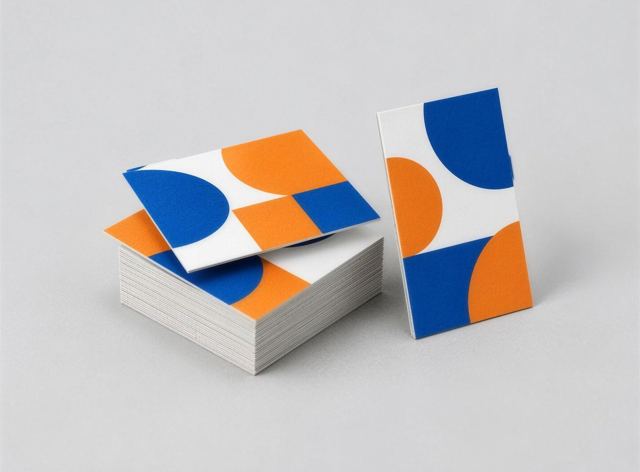 Business cardsThick, crisp cards people keep.Price and order
 FlyersLetterbox drops, counters and events.Price and order
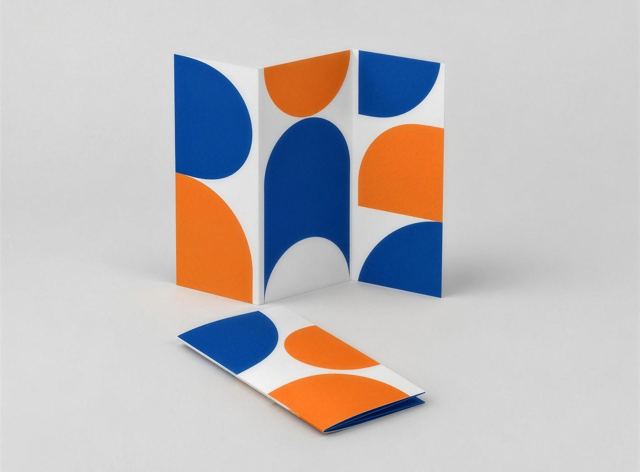 Folded brochuresRoll fold, zig zag or half fold.Price and order
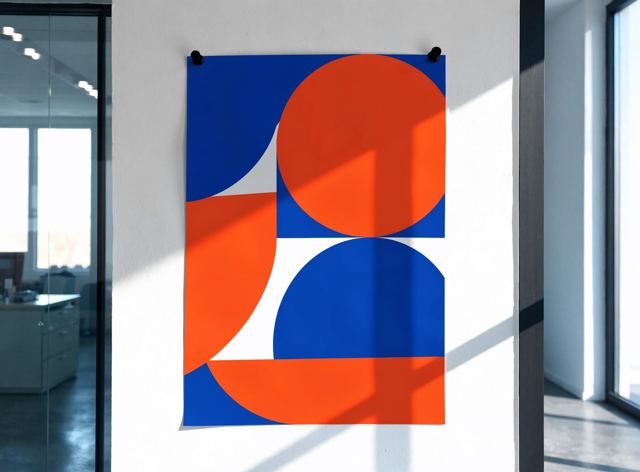 PostersOne big poster or ten.Price and order
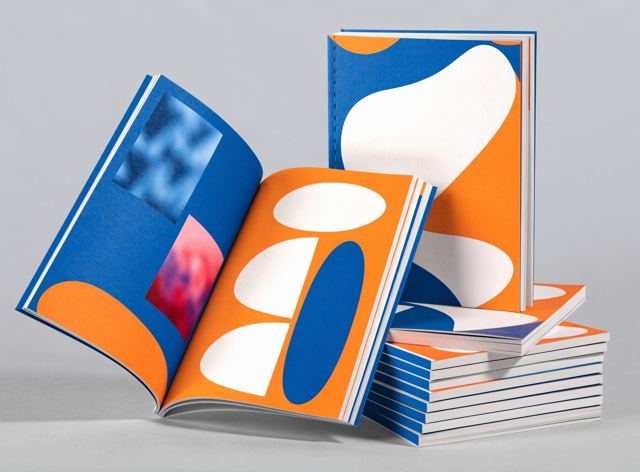 BookletsStapled programs and catalogues.Price and order
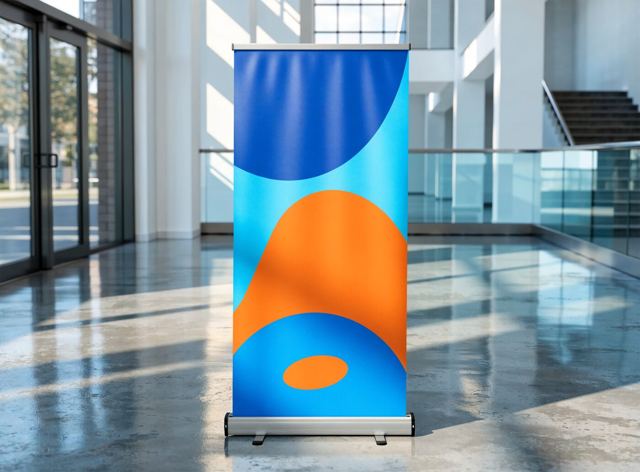 Pull-up bannersStand and print in one.Price and order
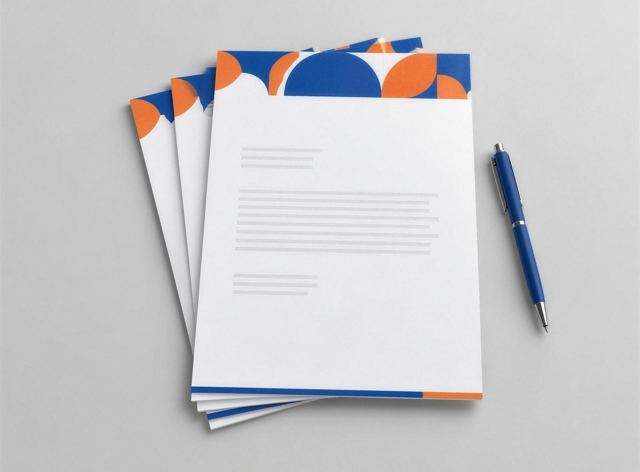 LetterheadsReady for your office printer.Price and order
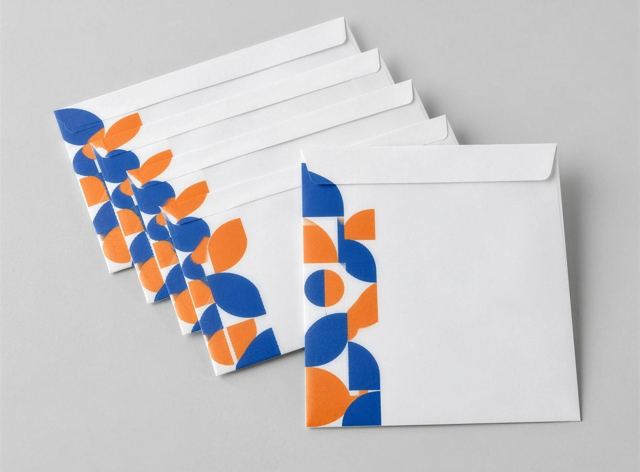 Printed envelopesFull colour printed envelopes.Price and order
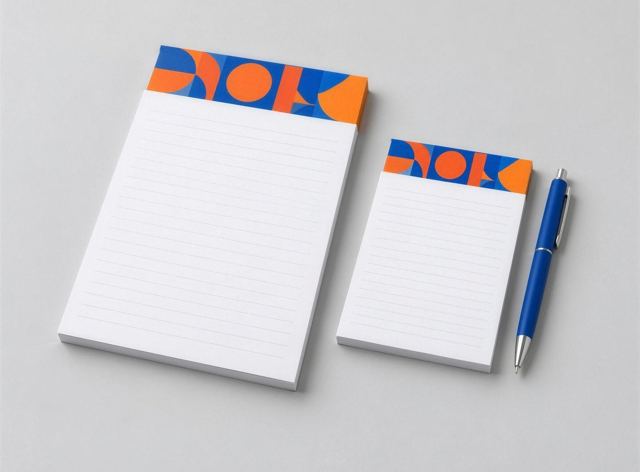 Notepads and deskpadsBranded pads for desks and giveaways.Price and order
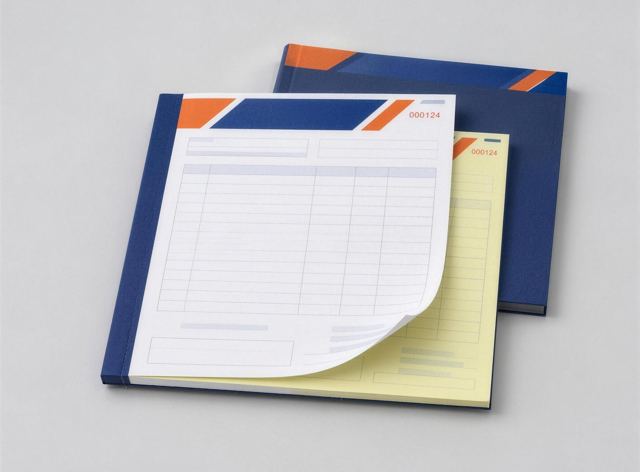 Invoice and docket booksCarbonless copies, numbered.Price and order
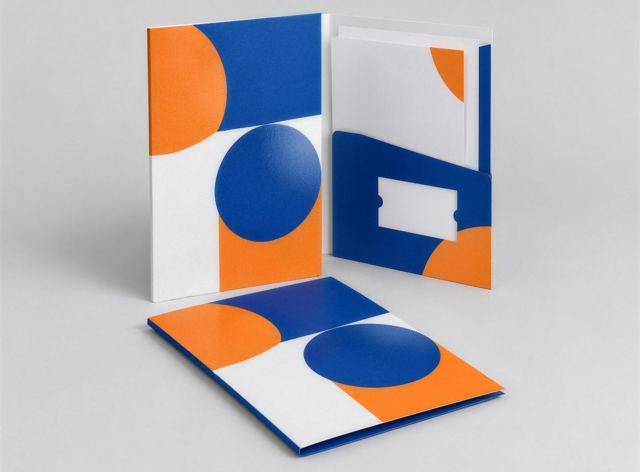 Presentation foldersMake the proposal look serious.Price and order